

Engineering contracts · one contract, two tracks
The hard part of engineering project management is not recording - it is reconciling: contract amoun...
View Details →Orders enter at the storefront shelf and run down through checkout into one paid bill; commissions leave checkout, climb back up through sharing, and land in the earnings shelf as a receipt. Each shelf runs one stretch of the pipe — if any shelf breaks, distribution stops right there.
The proposal walks 25 screens along this structure: window displays and categories on the storefront shelf, product details and payment on the checkout shelf, posters and cards on the sharing shelf, receipts and membership cards on the earnings shelf — every screen answers the same question: why should the customer take one more step down.
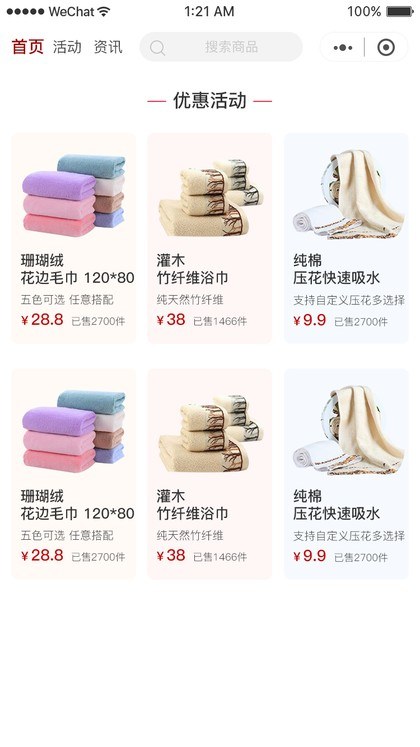
Solves “browse”: banners tell the campaign, categories form the shelf, search takes the shortcut
A distribution mall has one special kind of visitor — the newcomer pulled in by a friend's share. They will not dig through three levels of menu, so the storefront puts the hottest goods on the first screen: the banner carousel for campaigns, the icon grid for categories, the search box for direct jumps. The category page pins a fixed rail of departments on the left while promo cards on the right catch the “buy it in one glance” impulse.

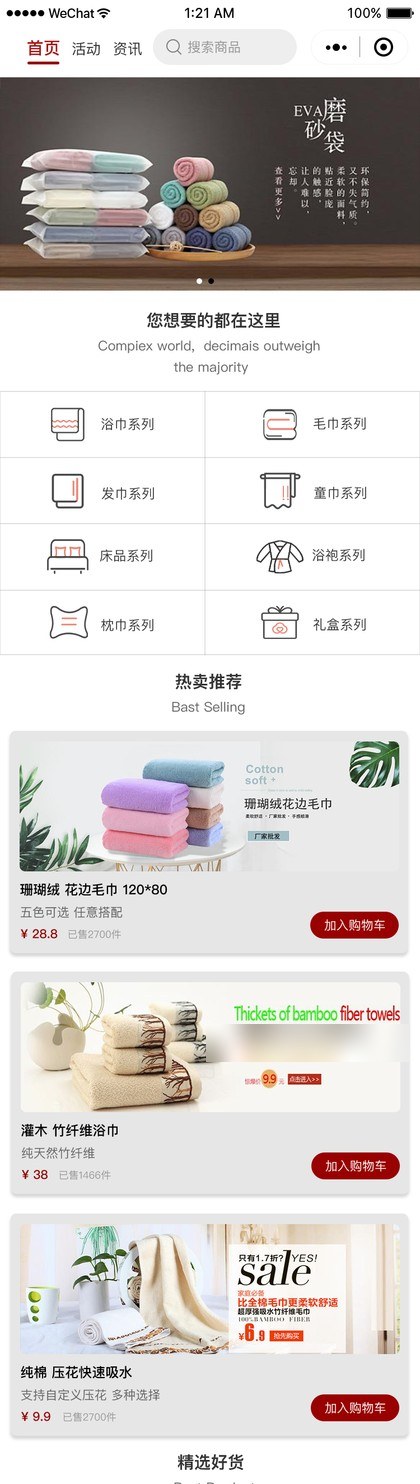
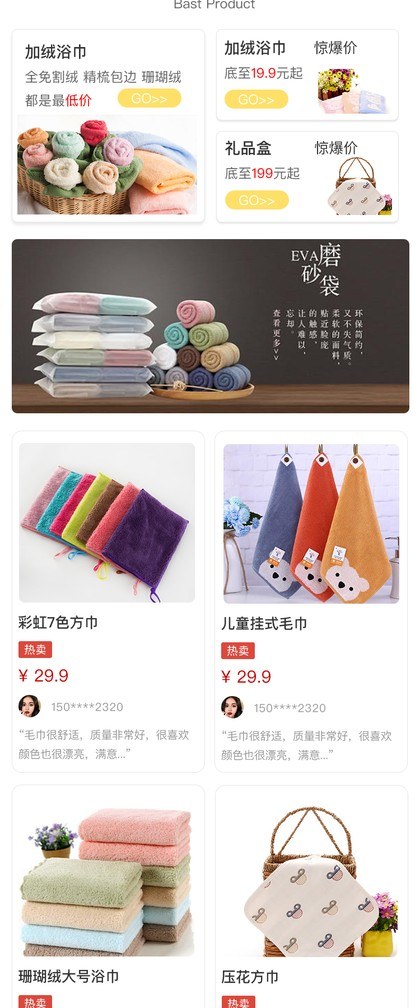
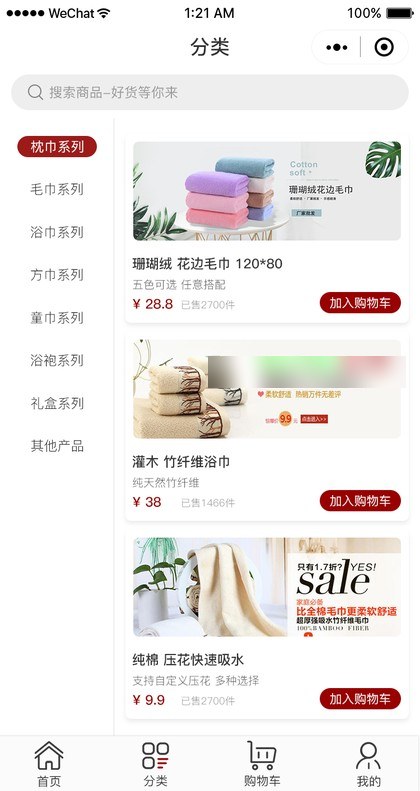

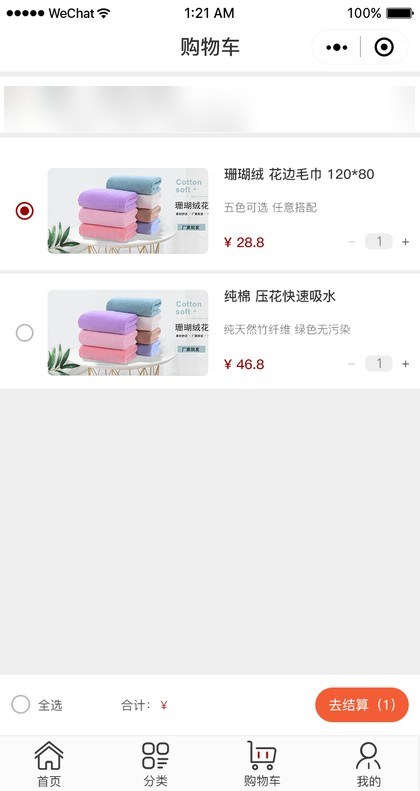
Solves “buy”: details spell out the spec, cart, order and payment close in three steps
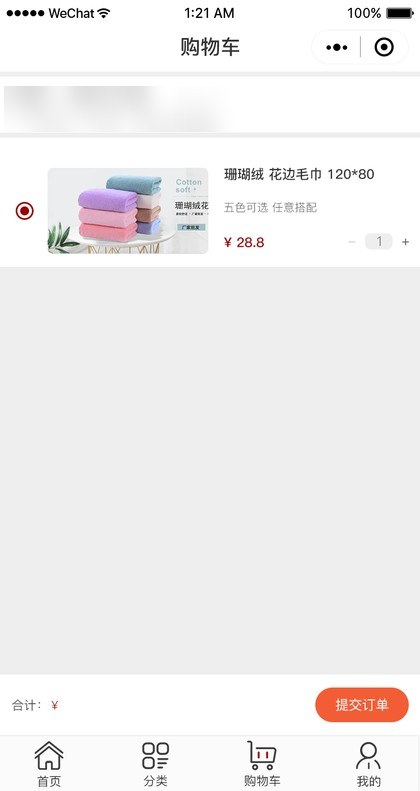
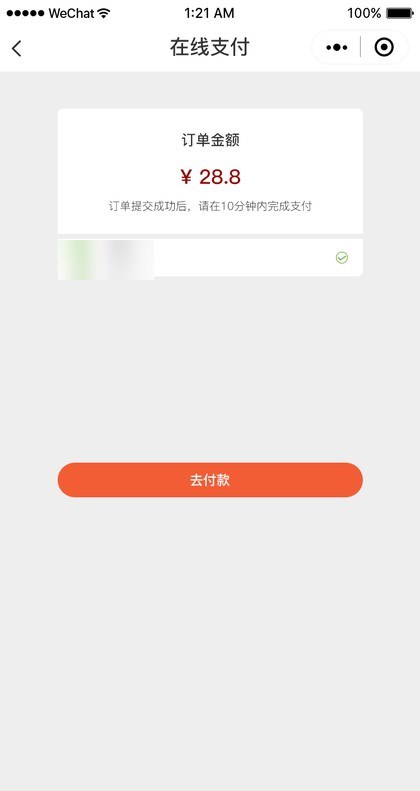
A distribution order must ride the exact same checkout path as any normal order — only then can commissions be split and audited. The detail page writes the SKU, material and listing date into a spec table and zooms into selling points section by section; the cart packs address, checkboxes and totals into one screen; the payment page keeps only the amount and the method. Every question mark left on the checkout path is one more sentence a distributor has to explain to a friend.



Solves “share”: a poster turns a product into one image, a card turns a person into one entry
Sharing happens in two places: the share panel on the product detail, and the poster & card entries inside Me. Both are built as “one tap and it is out” — the poster auto-carries the product image, the shop tagline and a QR code; the e-card lays out portrait, role, contact and personal QR into one savable card. The closer the entry sits to the moment, the more naturally the referral happens.






Solves “trust”: an earnings ring shows the total, rules read like clauses, cards feel physical
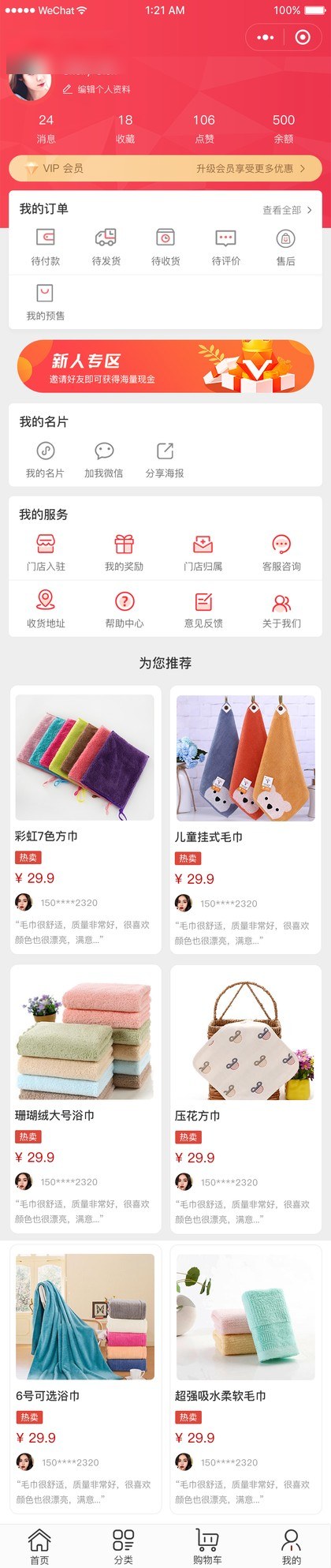
Distribution runs on trust — if the numbers do not add up, the next order never comes. The first screen of Me lays out messages, favorites, likes and balance as one row of big numbers; the earnings page turns “how much did I make” into a ring plus a running list; the reward policy page writes the split rules as numbered clauses; membership cards render monthly, quarterly and stored-value plans as three physical-looking cards. Only when the earnings shelf holds up does a distributor keep recommending.
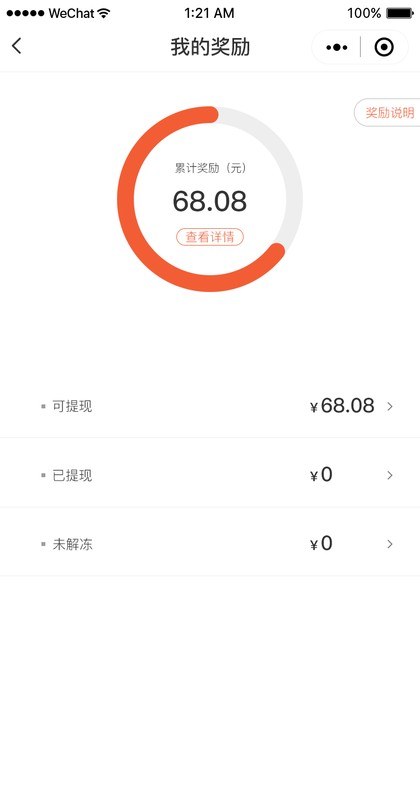
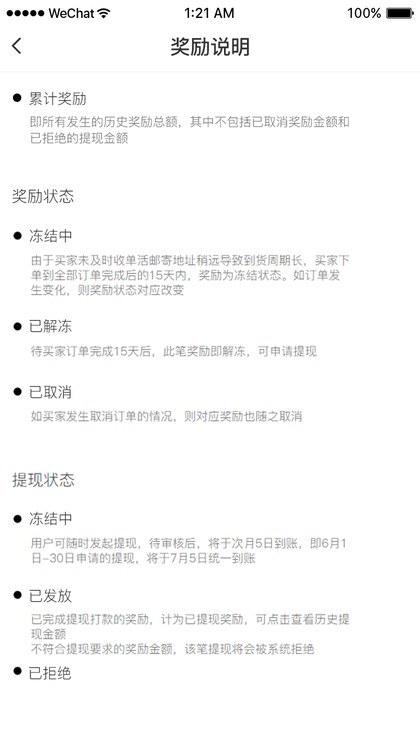
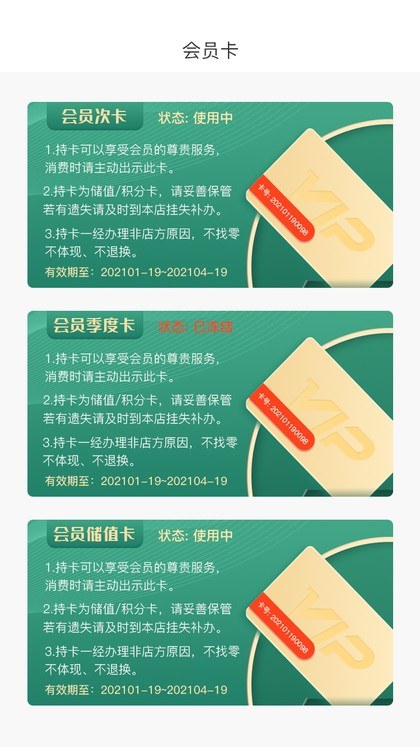
All figures are illustrative design values · not real settlements
The last hurdle of the earnings shelf is compressing “how much did I make on this order” into a receipt you can screenshot into a group chat. The settlement reads in a fixed order: paid, service fee, first level, second level, total — every number comes from the same order, so a distributor can explain it to a friend with one image.
Together the three rules form the floor of trust: a distributor keeps recommending only when every account is countable, explainable and reconcilable.
It differs on the “people” channel. A normal mall buys traffic with ads; a distribution mall gets products forwarded by customers — every person who forwards adds a free, trust-backed entry point. That is why the sharing and earnings shelves exist here and not in a normal mall: the UI must turn “forward to settle” into a visible, walkable road instead of a switch buried in settings.
Keep it to two levels. 10% for the first level and 5% for the second is a common starting point; the critical part is a hard “two-level cap” in the rules — anything beyond two levels is never paid, which keeps the scheme away from headhunting-style multi-level pay. Rate planning must leave room for the platform service fee: deduct the fee first, then split the net, or the commission pool will invert the moment a promotion spikes.
The poster serves the product — what gets forwarded is the goods; the card serves the person — what gets forwarded is trust. A customer who just bought something forwards the poster into their own feed; a user running distribution hands out the card so the other side remembers “buy from this person”. Two entries serve two audiences and two journeys; merging them serves neither.
One question per shelf: storefront — can a newcomer find the goods in three steps? checkout — is there any gap from detail to payment? sharing — does one forward take more than two taps? earnings — can one receipt explain “what did I make” in a sentence? Four shelves answering four questions is what makes this mall run.
MORE CASES
The hard part of engineering project management is not recording - it is reconciling: contract amoun...
View Details →
A furniture group with three brands — Huangchao Yijia, Luchaokang and Boyit — has showrooms full o...
View Details →
The hard part of a distribution mall is not extra product pages — it is giving everyone who has bou...
View Details →Start with our pricing logic, then let's talk requirements — cost structure, technology comparison and acceptance criteria, all laid out in the open.