One furniture city, five streets

A furniture-service platform has to serve shoppers, shopkeepers and job seekers at once. Its 204 screens are laid out as five streets: the Frontage handles arrival, the Market handles browsing, the Parcel Post handles money, Behind-the-Counter handles the shops, and the Job Fair handles people. Walk the five streets and the skeleton of a "comprehensive" platform becomes obvious.

FURNITURE SERVICE PLATFORM · 204 SCREENS

Draw 204 screens as one city map

A feature list cannot be read end to end, but a city can be walked in one pass. Each street answers one role's question: the Frontage answers "who am I", the Market answers "where do I browse", the Parcel Post answers "how does money move", Behind-the-Counter answers "how do I run a shop", and the Job Fair answers "where do people come from" — all five share one account, one inbox and one wallet.

204screens, all filed in the plan
5streets, one per role
3roles: shopper / seller / seeker
1skeleton, four templates cover all
MK01STREET

The Frontage: the first 30 seconds

Onboarding · sign-in · home · categories — the facade sets the first impression

Onboarding one: search bubble over a furniture scene
Onboarding · search
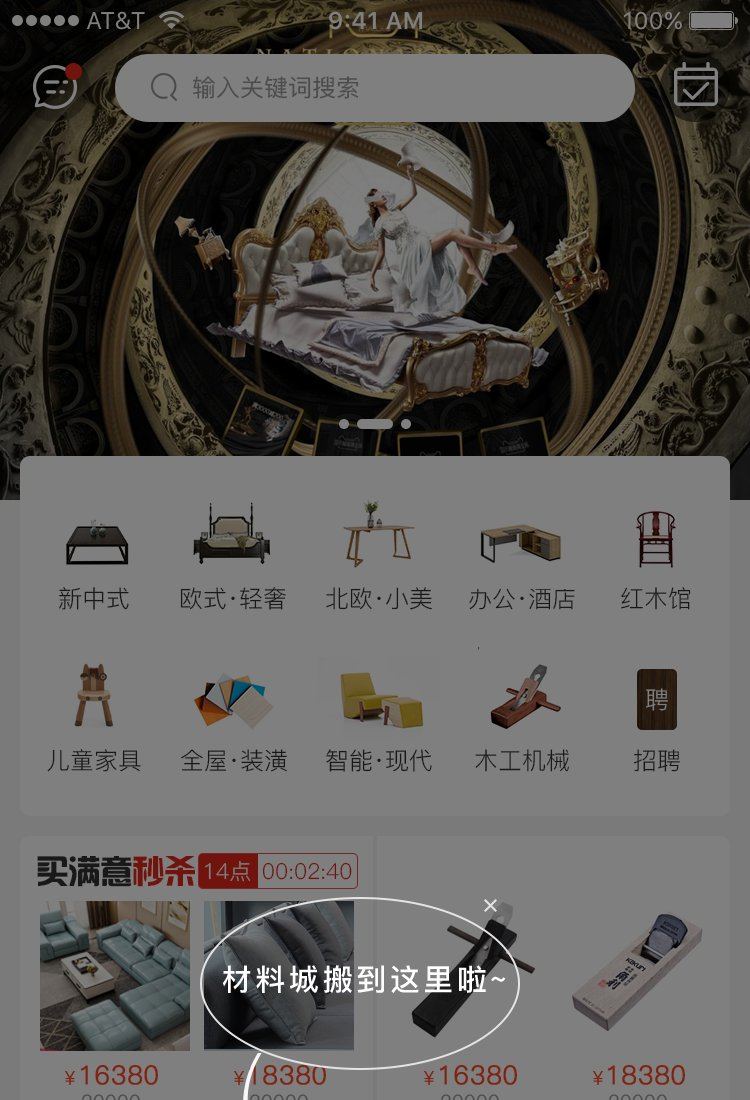
Onboarding two: materials-market bubble
Onboarding · market
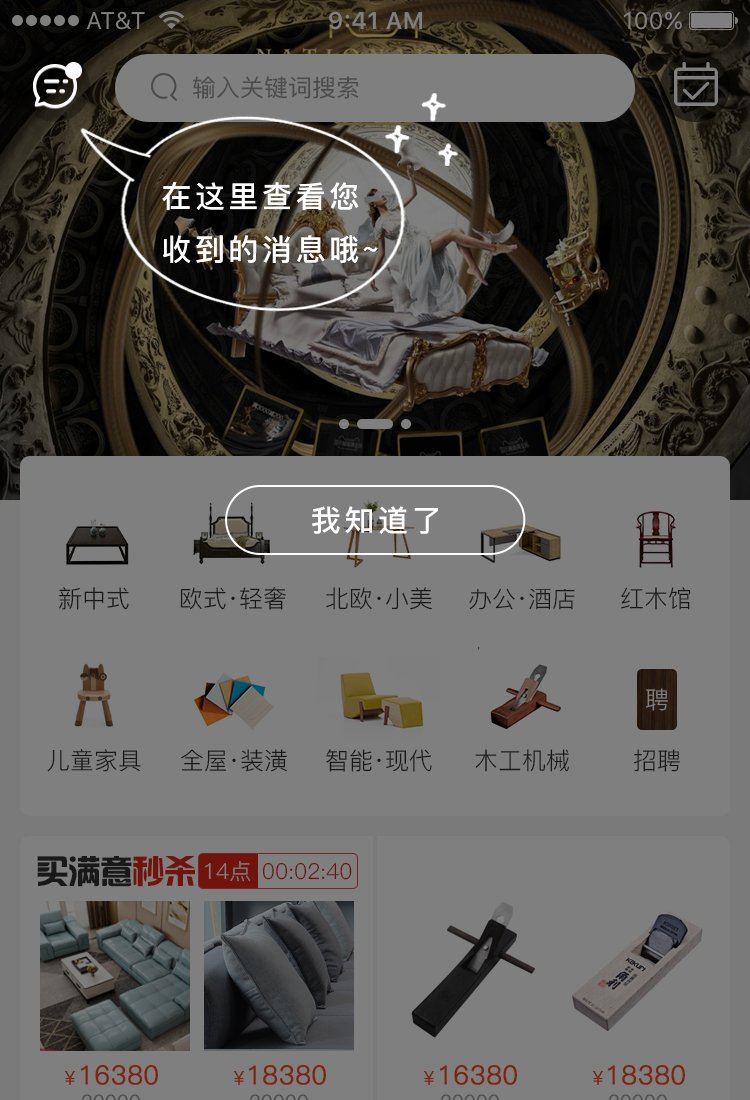
Onboarding three: messages bubble
Onboarding · messages
Sign-in: phone number and code, two fields only
Sign-in
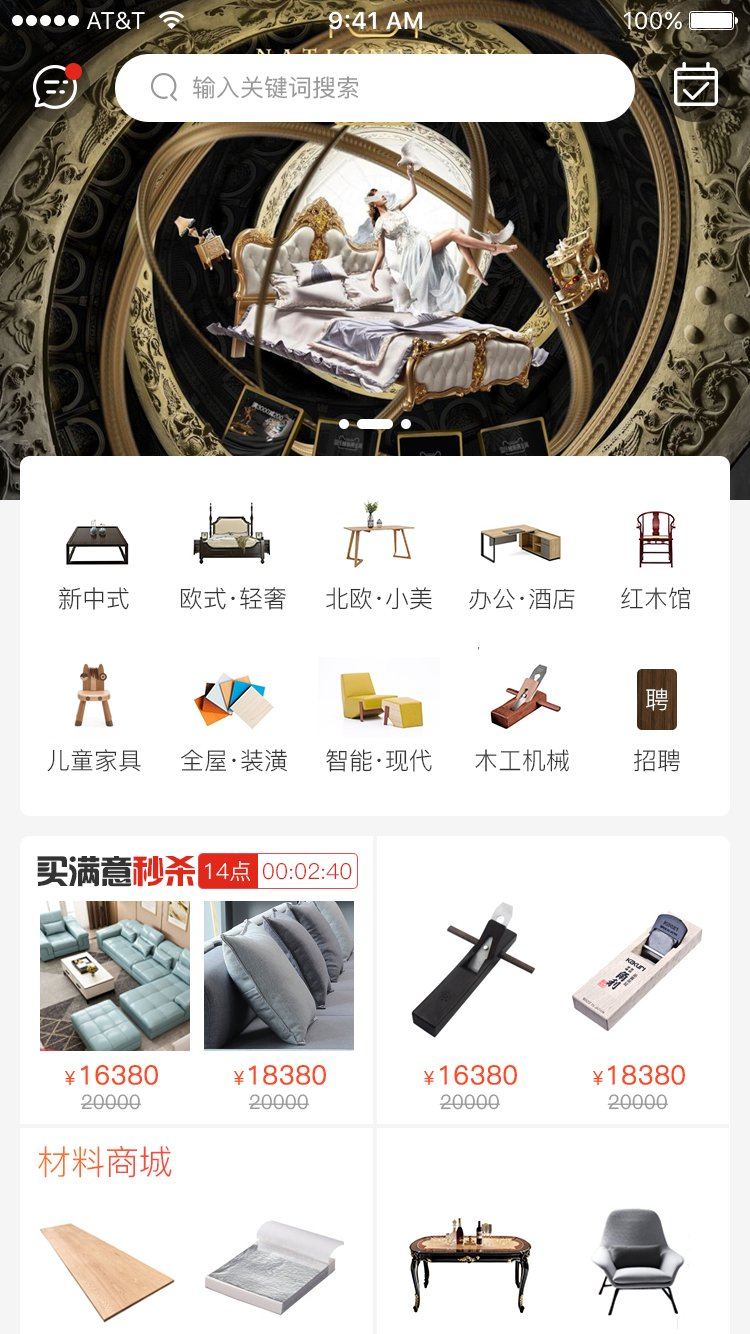
Home: search bar, entrances and campaign slot
Home
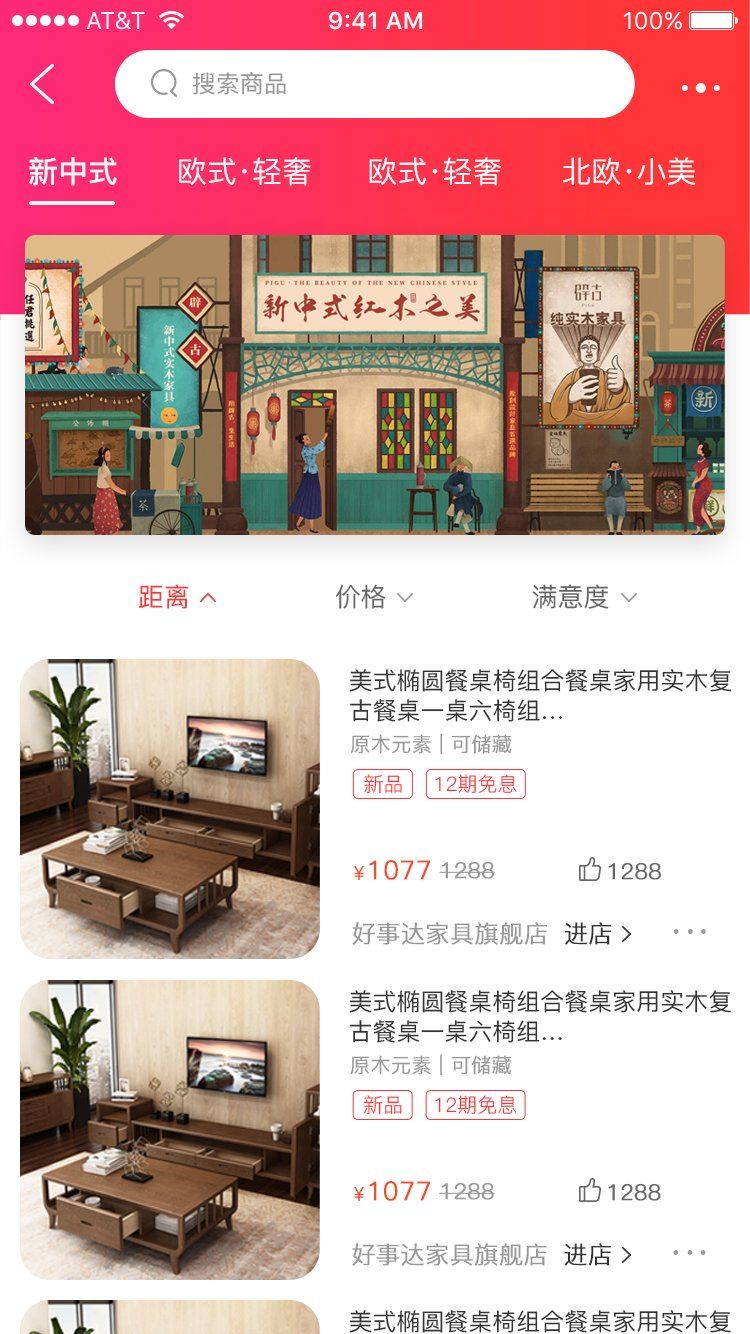
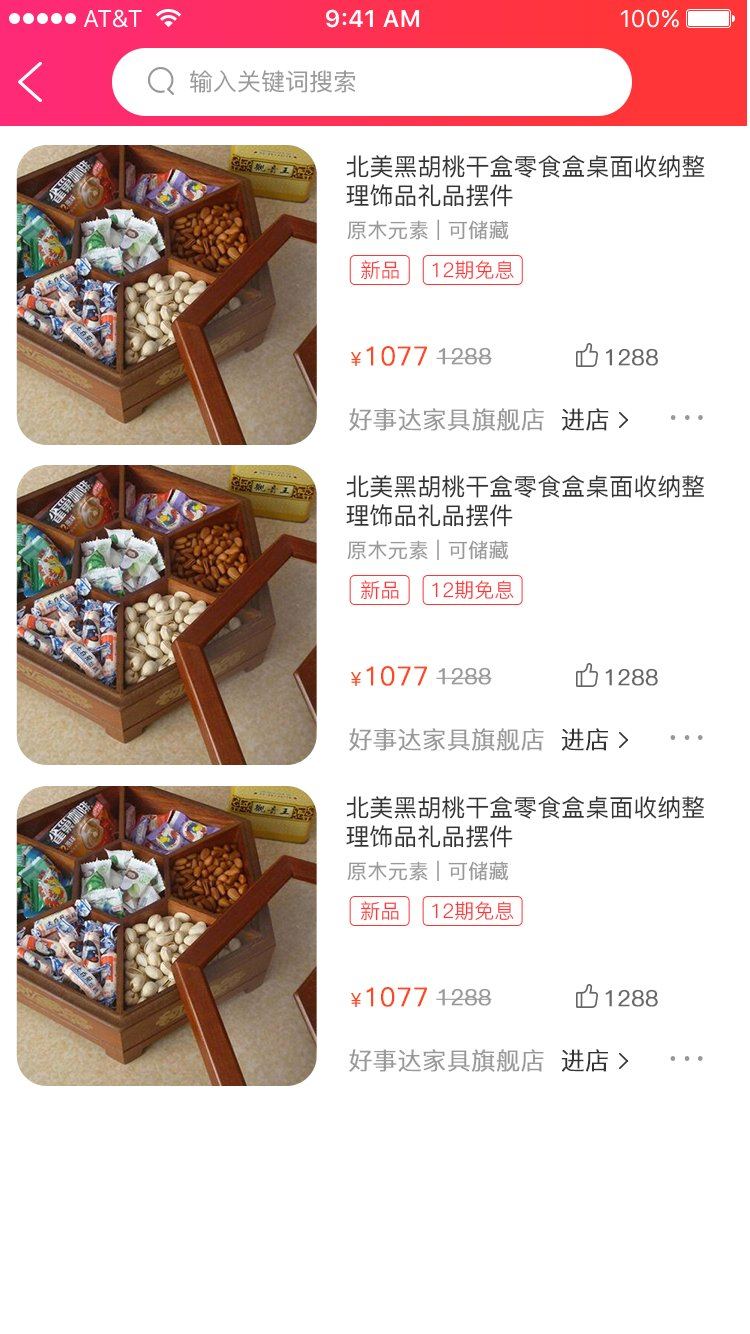
Categories: styles from Chinese to European with item cards
Categories

Street notes · three decisions

  1. 1Onboarding sells only three things: search, the materials market and messages — the platform's three main lines; everything else is left for users to discover.
  2. 2Sign-in takes a phone number and a code, and registration completes itself; furniture shoppers do not fill forms.
  3. 3The home screen is a directory, not a shop window: entrances grouped by browse / buy / fix / hire, and campaigns take a quarter of the first screen at most.
East along the main road, next stop the Market MK02
MK02STREET

The Market: the shopper's high street

Materials · shops · items · nearby — orange marks the wholesale quarter

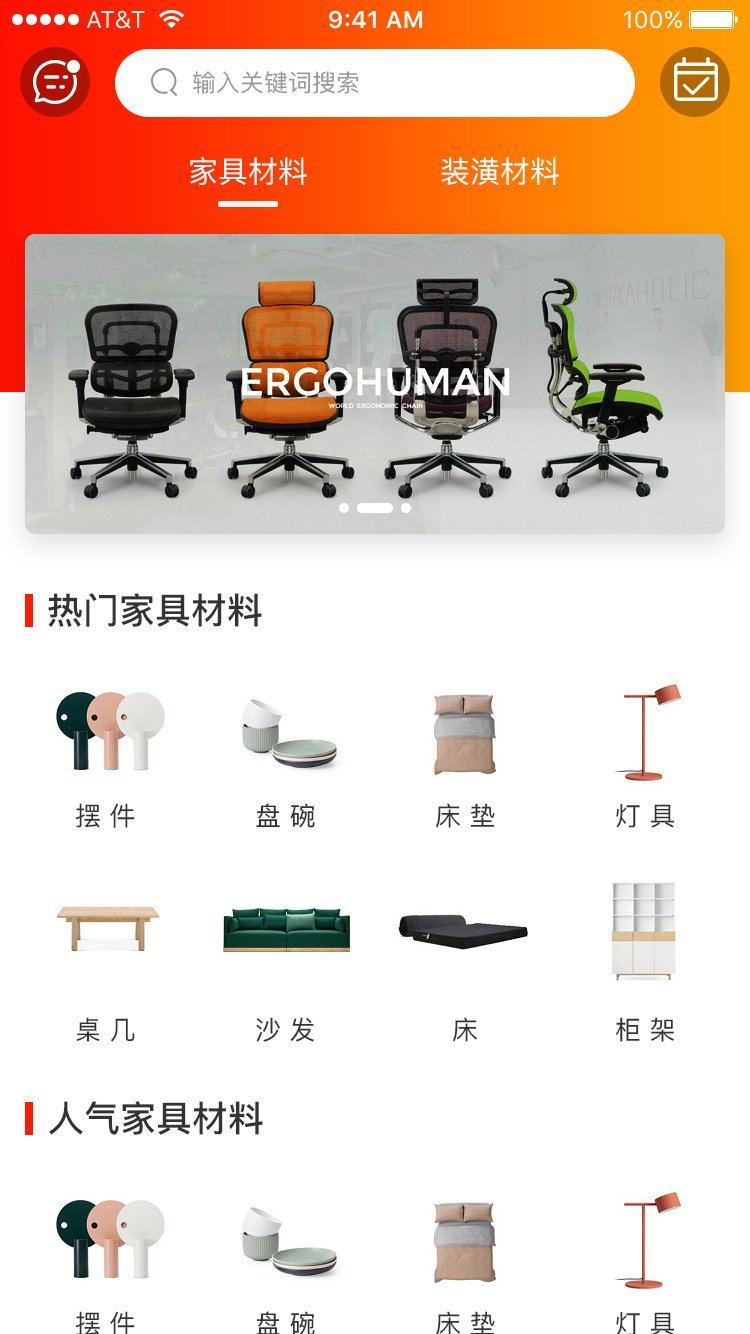
Materials market home: orange header and building-material categories
Materials market
Materials listing: doors category with price cards
Materials · listing
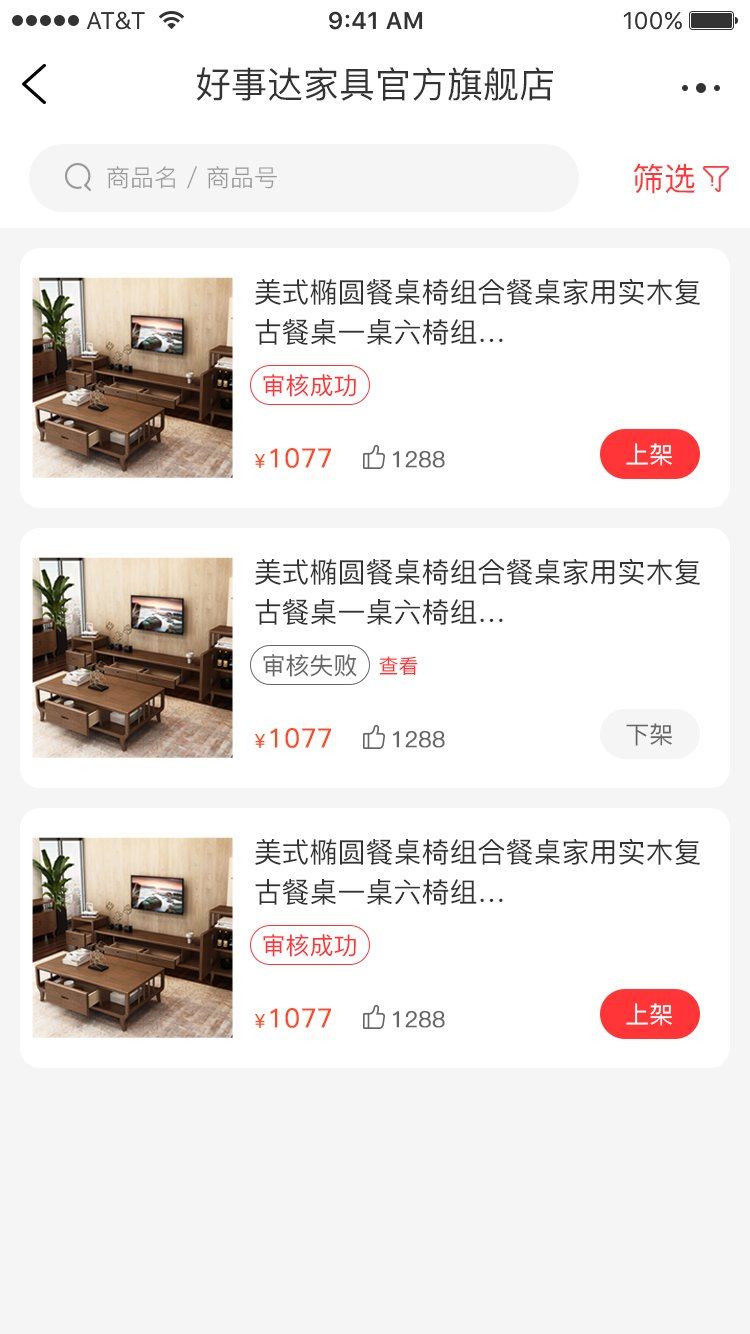
Shop page: flagship-store header and item stream
Shop
Shop filters: sales, price and more
Shop · filters
Item detail: price, options entry and shop card
Item detail
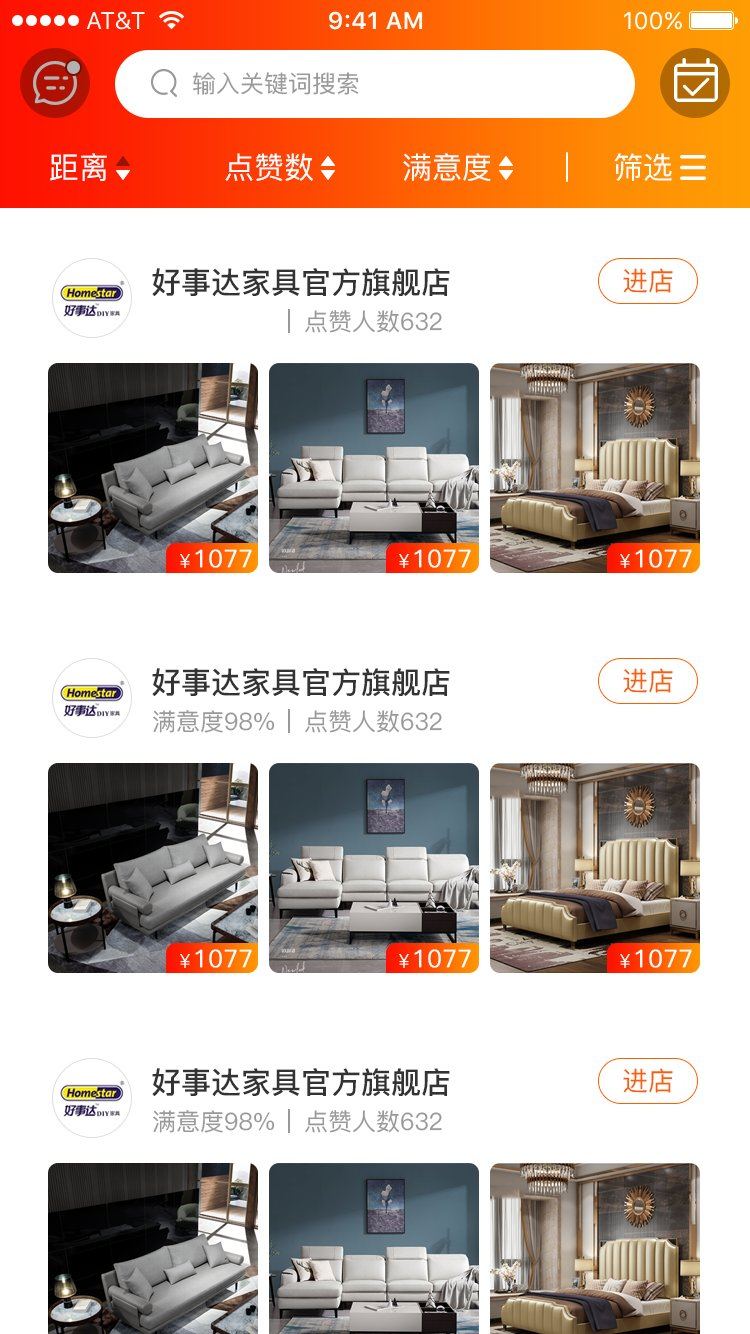
Nearby shops ranked by distance and likes
Nearby

Street notes · three decisions

  1. 1The materials market gets its own colour: an orange header is the wholesale signpost — cross the line and the pricing rules change, so retail and wholesale never mix.
  2. 2Item detail fits price, options entry and the shop card in one screen; the long image starts persuading above the fold.
  3. 3Nearby ranks shops by distance with likes as the tiebreaker — a furniture market's trade radius is thirty kilometres.
Bought something? Next stop the Parcel Post MK03
MK03STREET

The Parcel Post: money's road stays smooth

Checkout · payment · orders · returns · reviews — six stops, one line

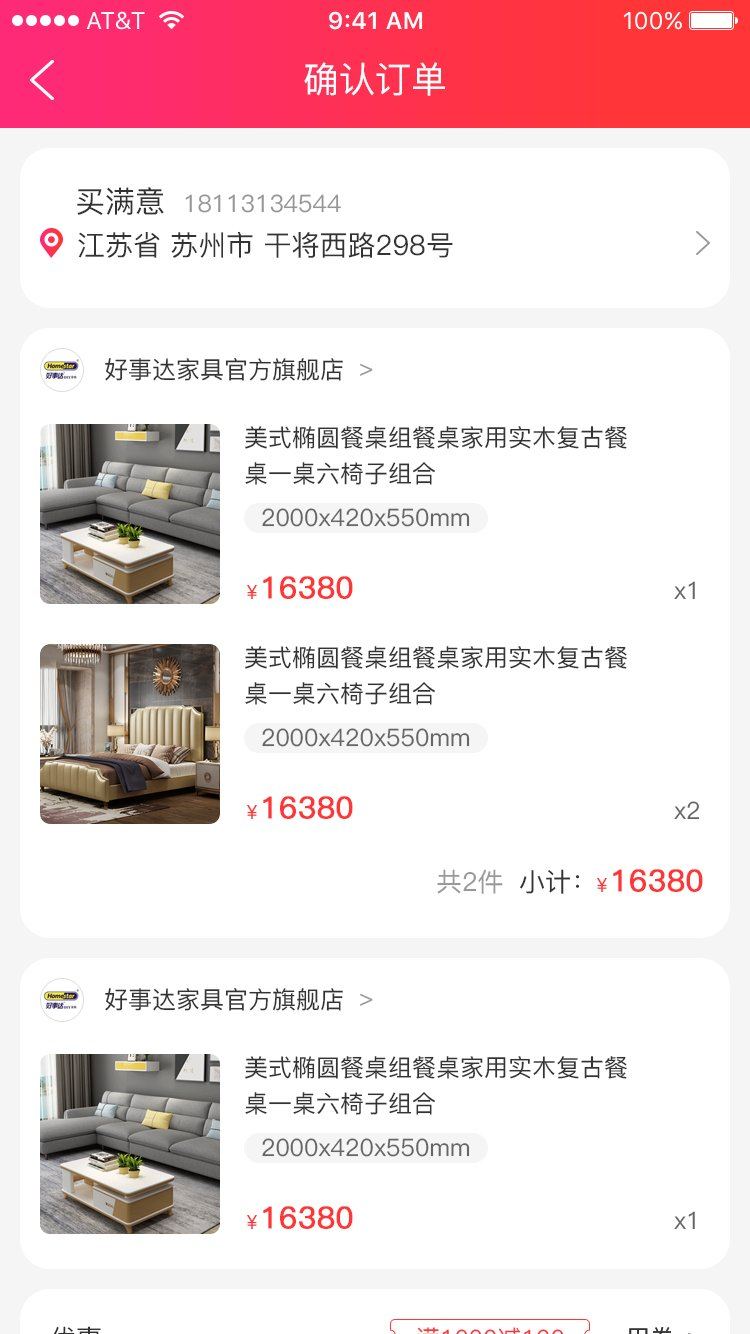
Order review: address, item list and totals
Order review
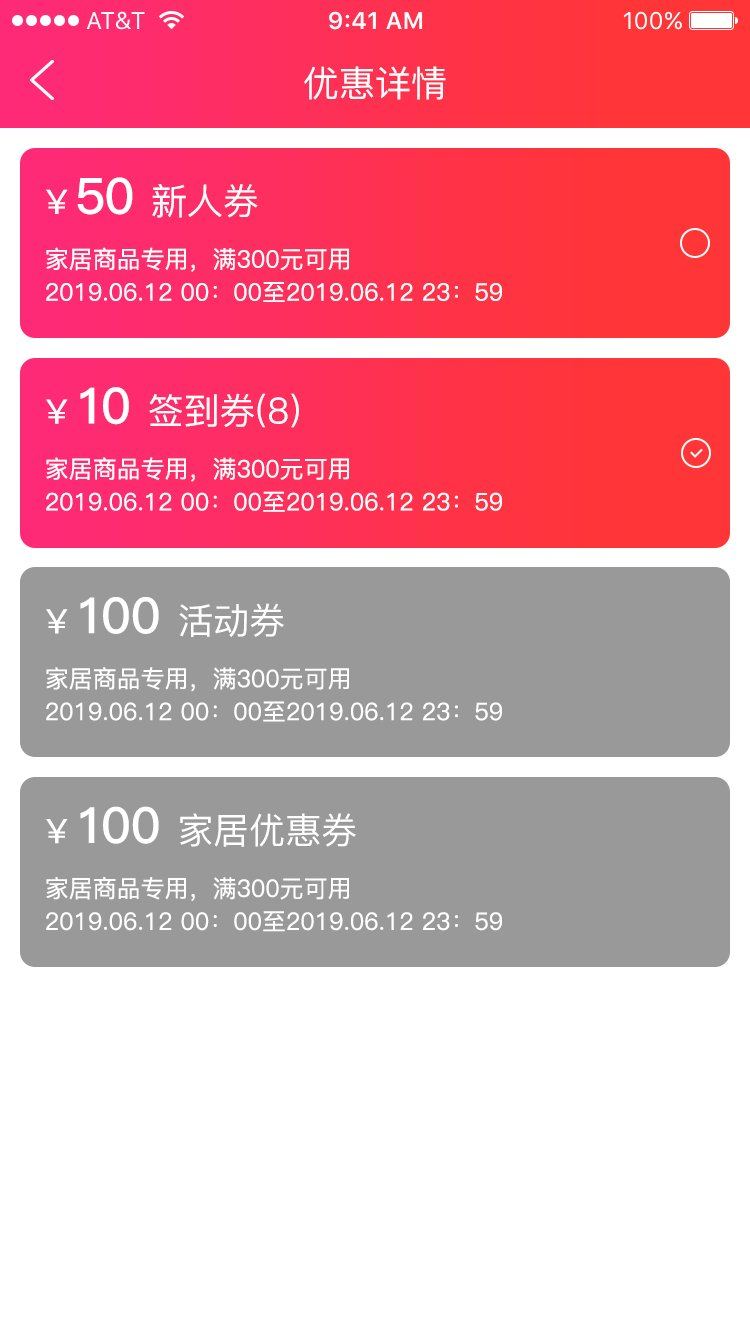
Coupon centre: new-user and spend-threshold coupons
Coupon centre
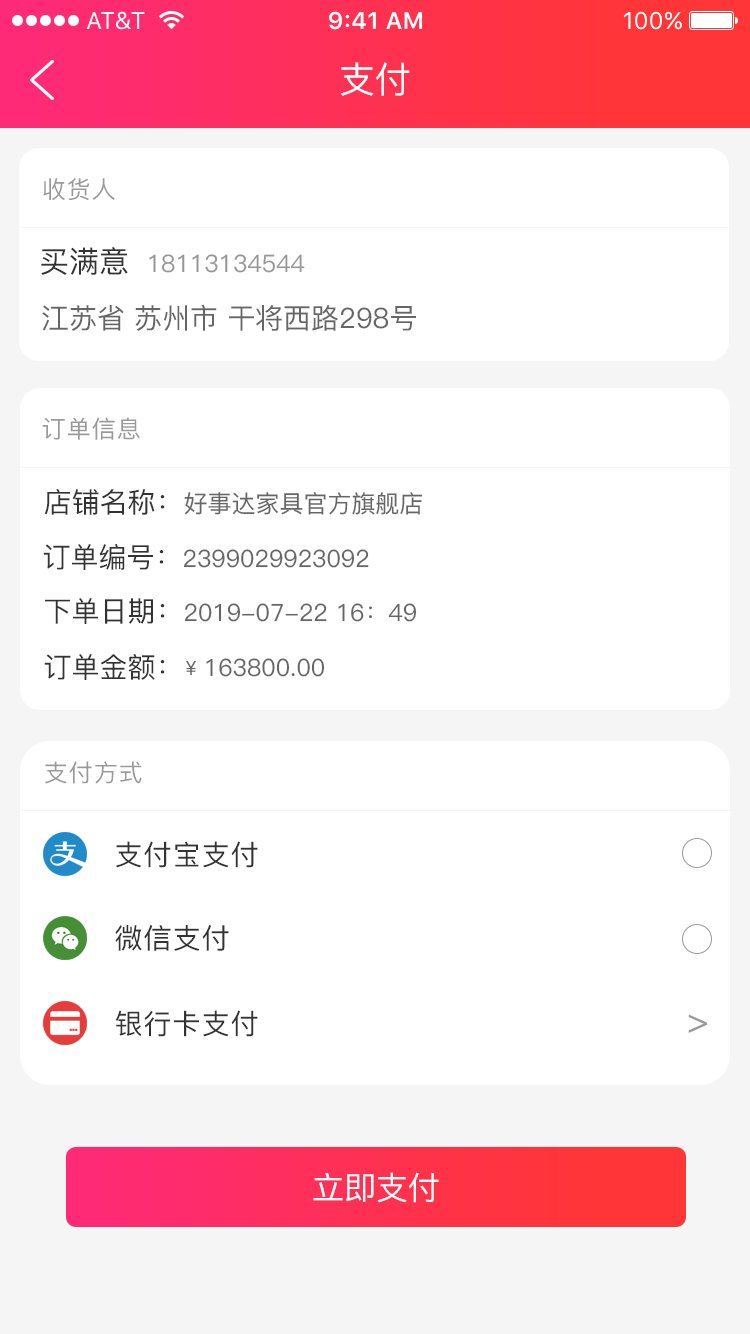
Cashier: aggregated payment methods
Cashier
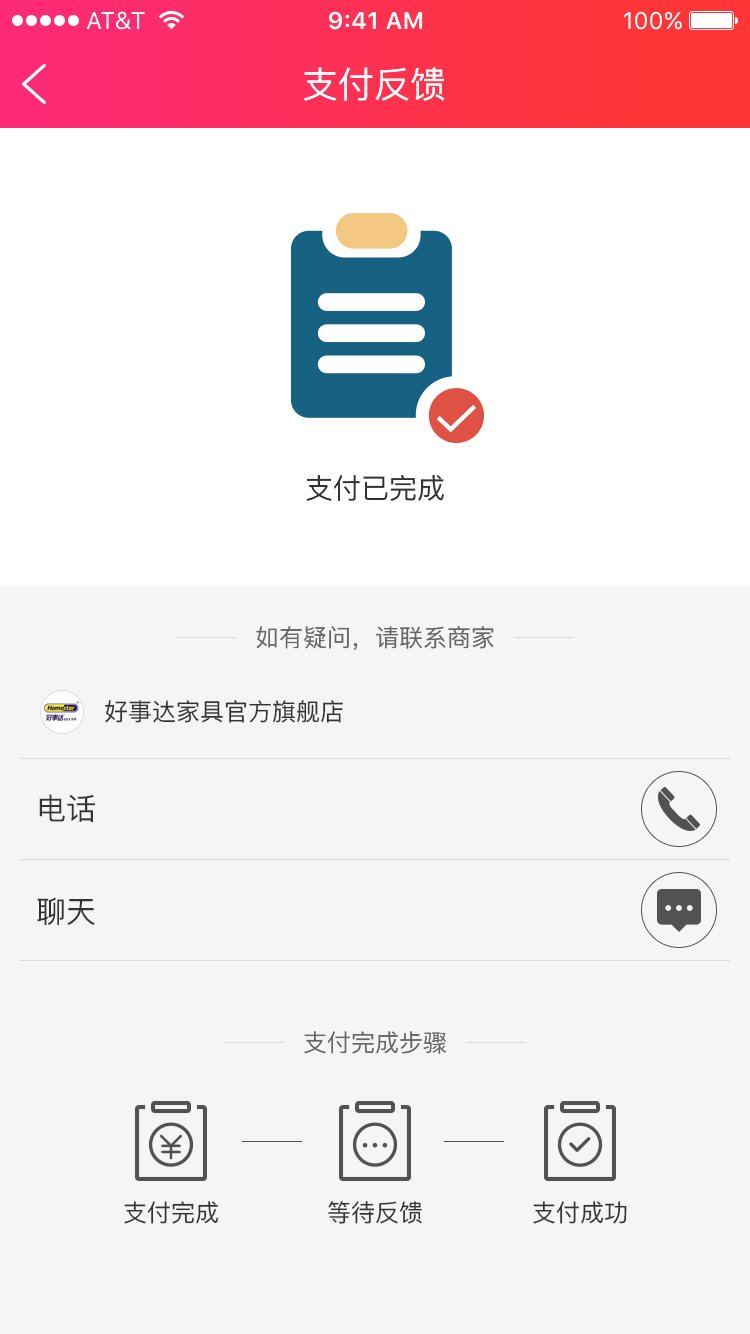
Payment receipt: success state with support entry
Payment receipt
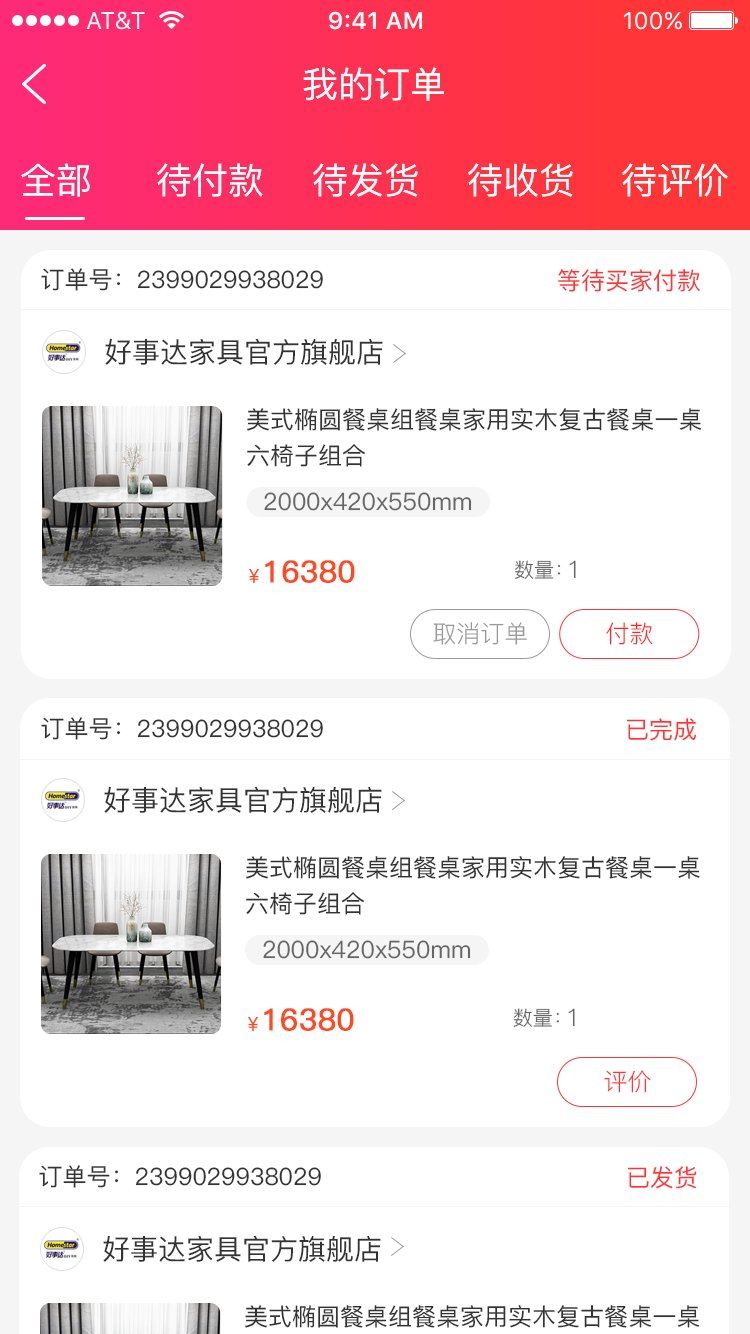
My orders: five status tabs
My orders
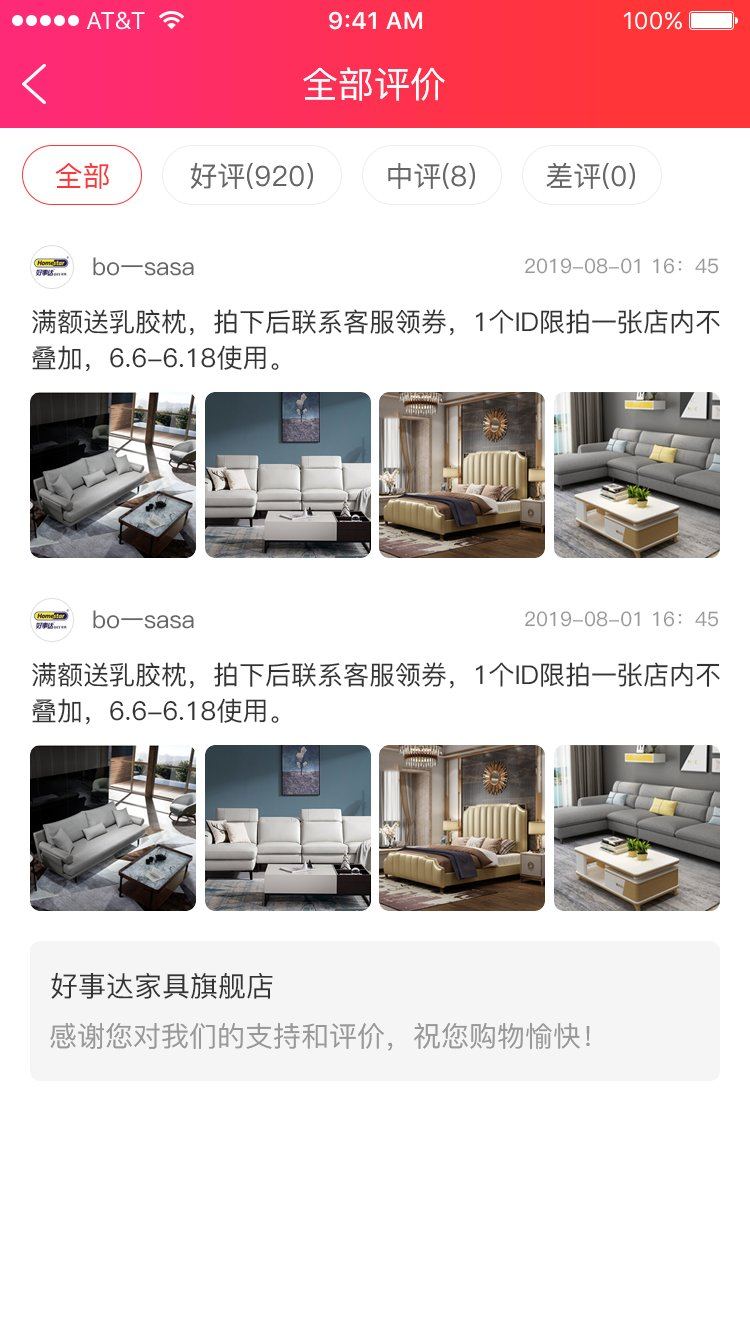
All reviews in a two-column stream
Reviews

Street notes · three decisions

  1. 1Coupons split into claim-then-apply: the centre manages stock, the checkout manages deductions, and neither fights the other.
  2. 2Five order statuses sit flat as tabs with the aftersales entry parked rightmost — returns are routine, not exceptions.
  3. 3The payment receipt shows the order number and a support entry together: money questions get answered on the spot.
Round the corner, behind the counter — MK04
MK04STREET

Behind the Counter: a seller's day

Onboarding · shop admin · items · payouts — the other side of the counter

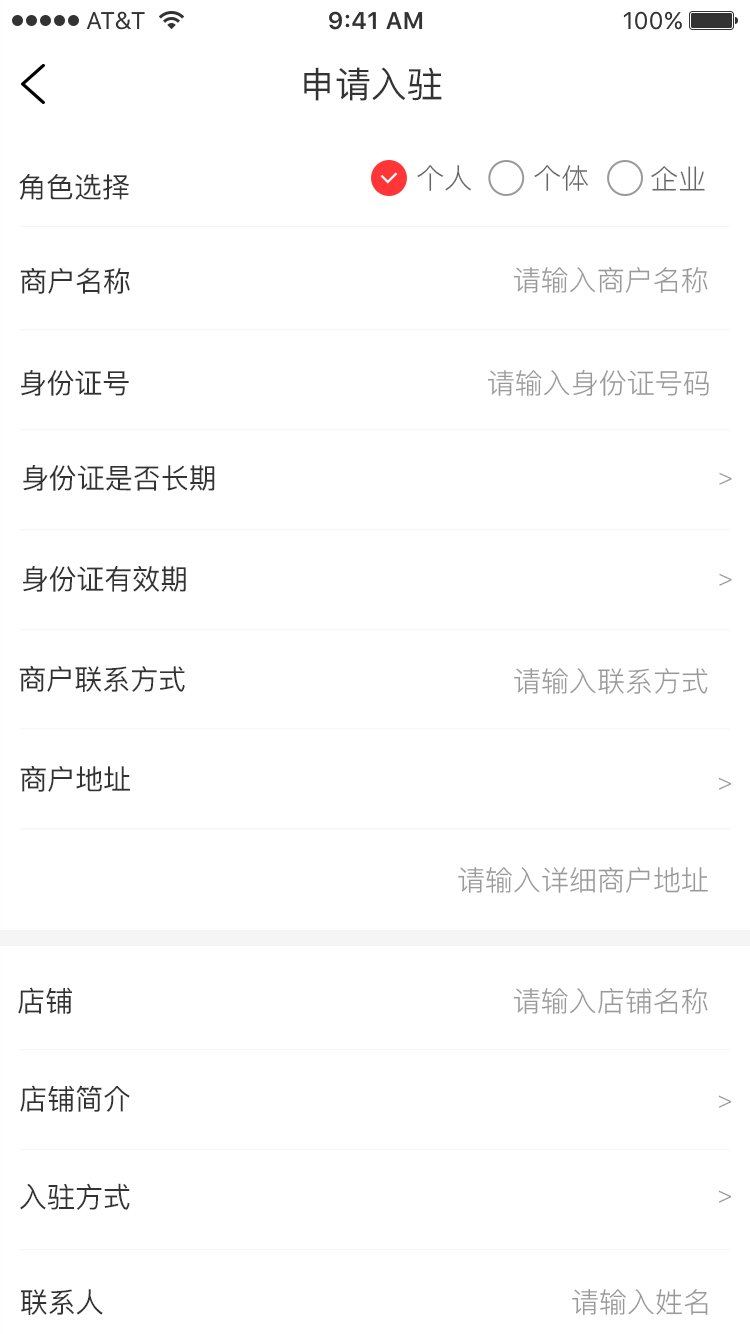
Seller onboarding: personal-merchant form
Onboarding · personal
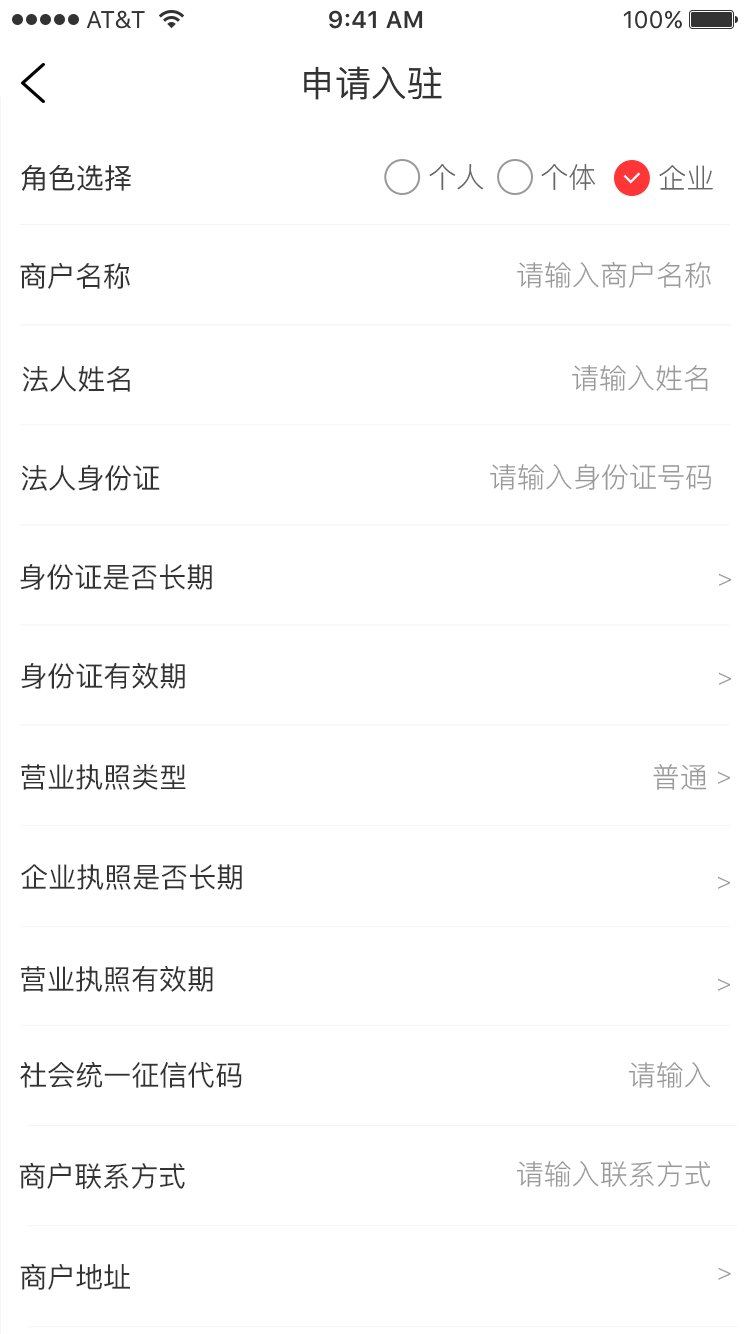
Seller onboarding: business licence form
Onboarding · licence
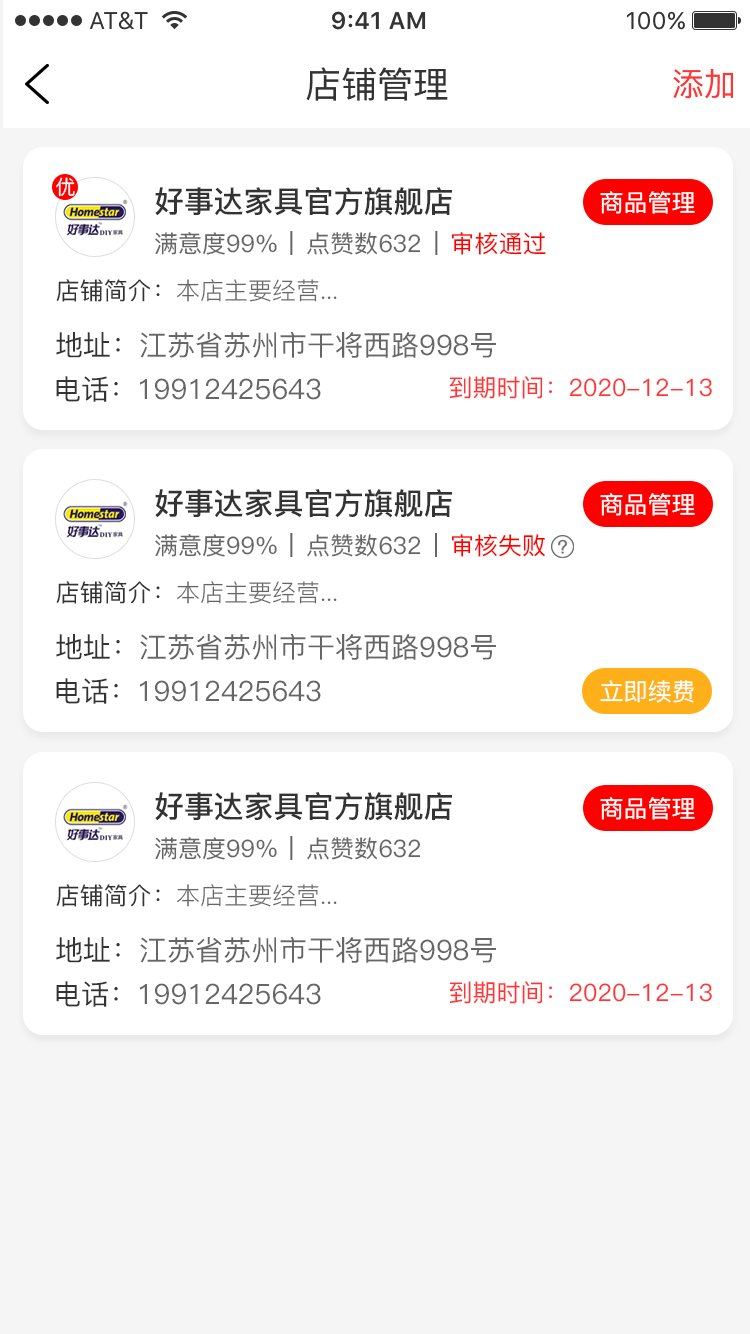
Shop admin: multi-shop list with review states
Shop admin
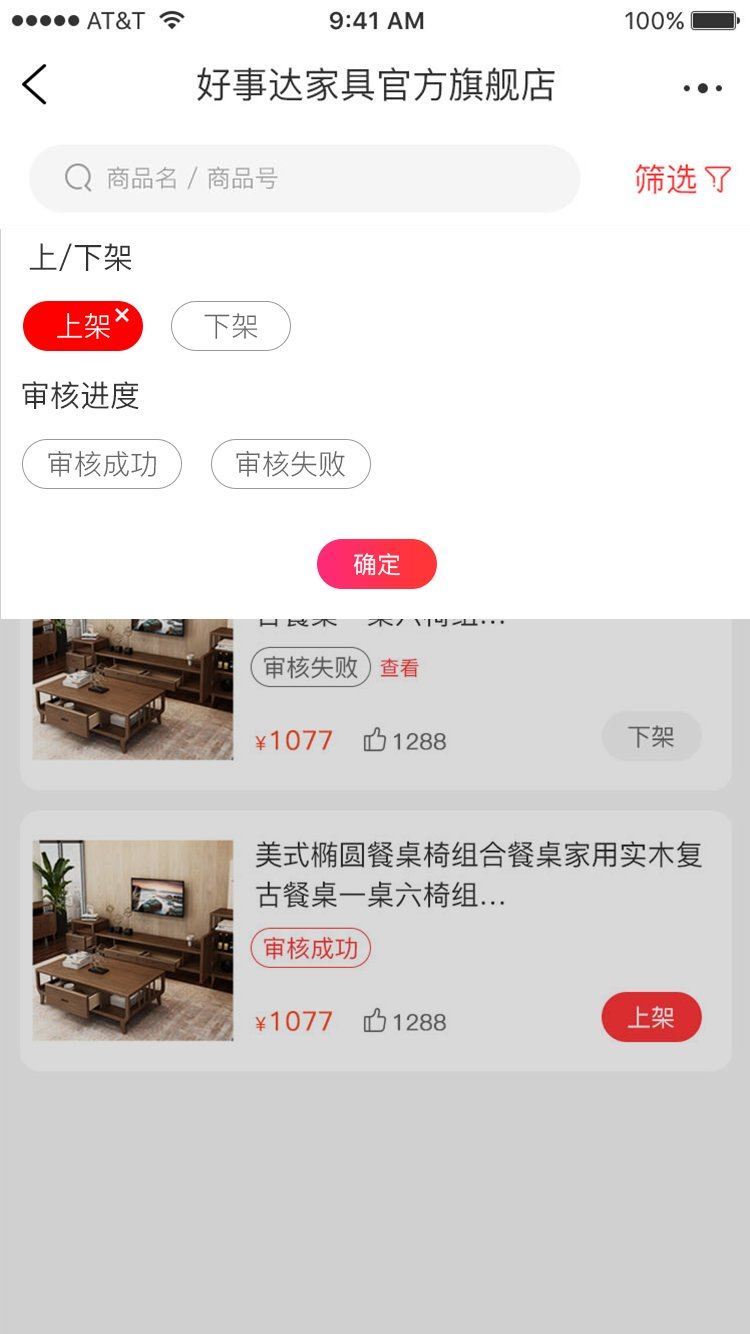
Item management: on-sale items and shelf actions
Item management
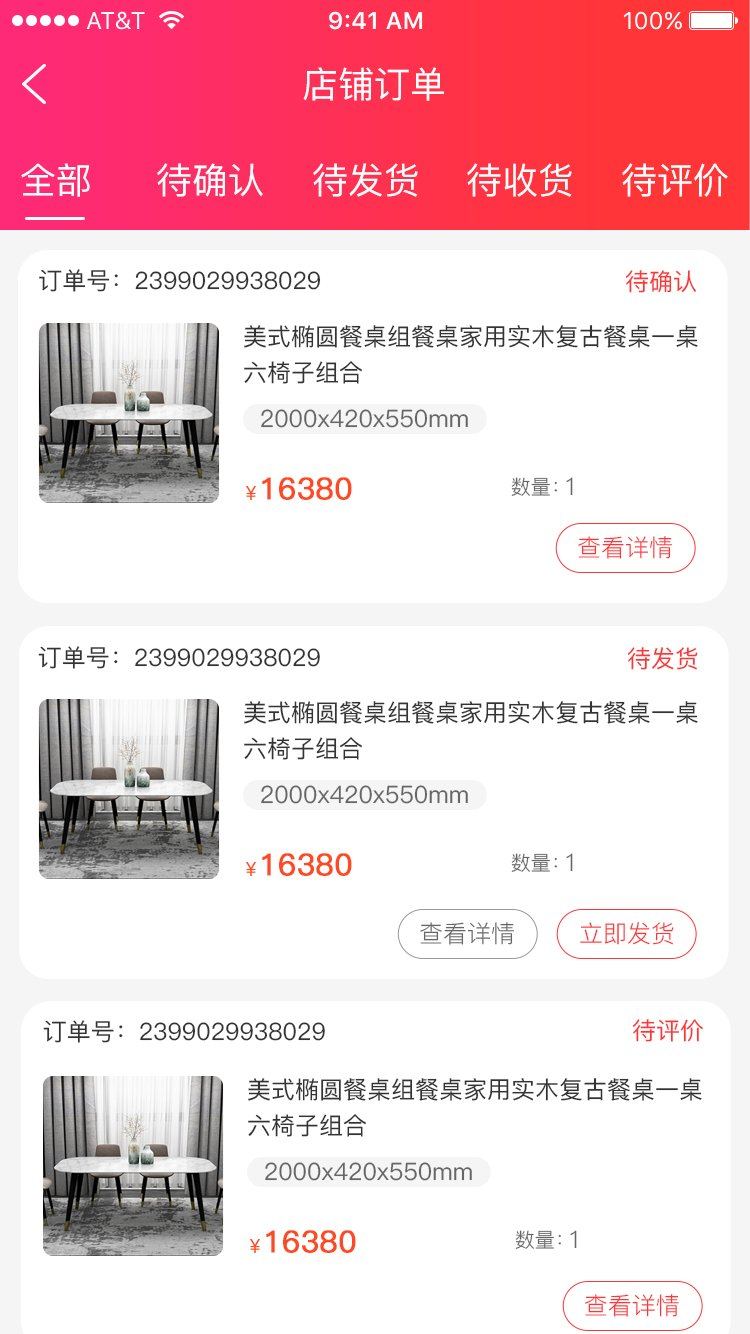
Shop orders: seller-side status tabs
Shop orders
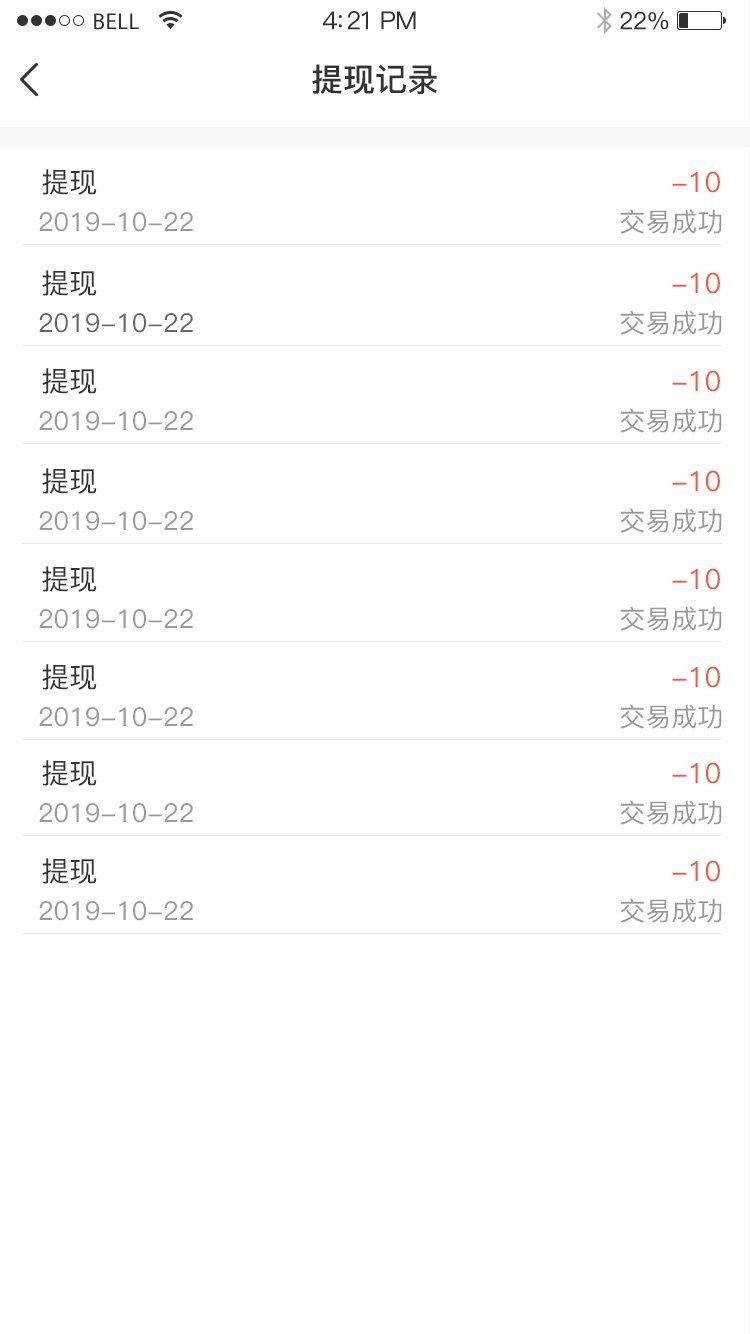
Payout history listed transaction by transaction
Payouts

Street notes · three decisions

  1. 1Seller onboarding takes personal / sole-trader / company tiers, with field differences decided on the chooser page — sellers never guess what to submit.
  2. 2Item management and shop orders share one list skeleton — a seller learns once and runs the whole shop.
  3. 3Payout history reads like a ledger, success and failure colour-coded, so reconciliation never argues.
A shop needs staff — next stop the Job Fair MK05
MK05STREET

The Job Fair: the city feeds its people

Post a job · job details — floor staff, installers and after-sales techs all find work here

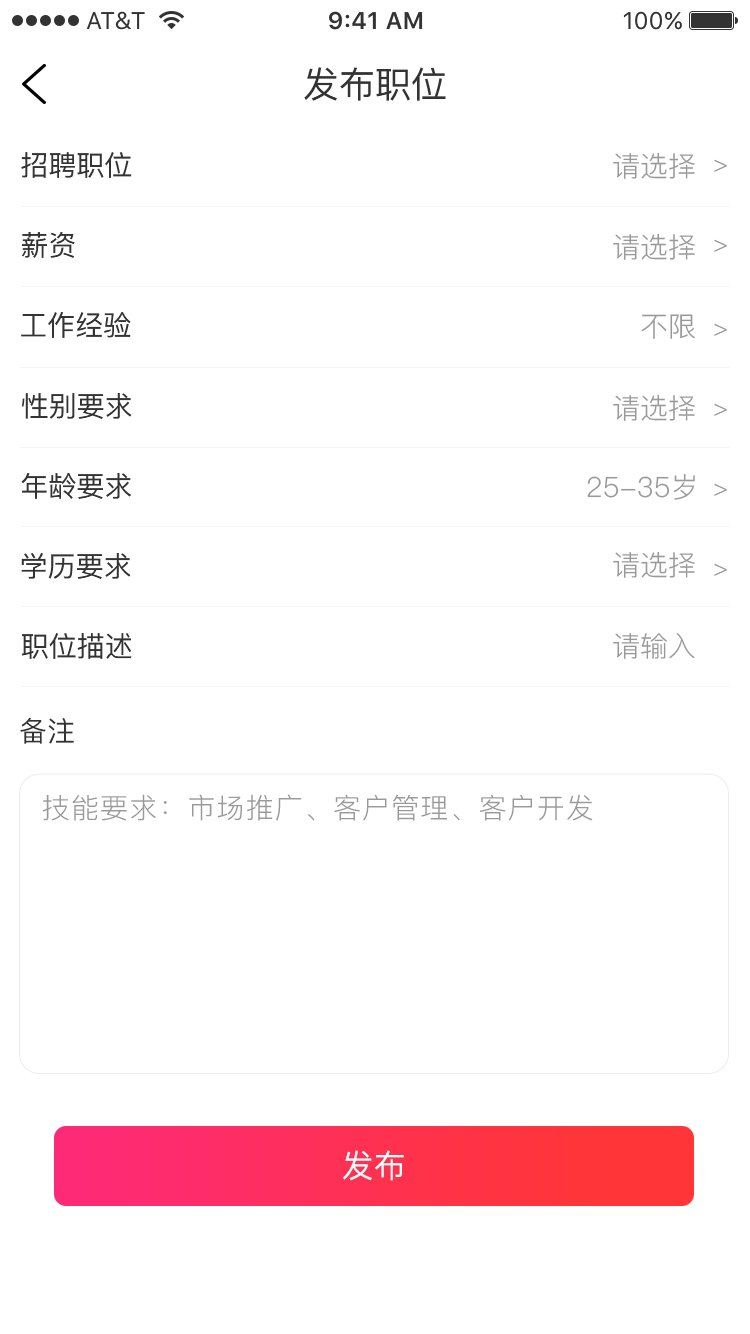
Post a job: form flow from category to description
Post a job
Job detail: salary, requirements and company card
Job detail
Job detail: notes and open positions list
Open positions

Street notes · three decisions

  1. 1Recruiting shares the mall's account system: shopper, seller and seeker are one login with a role switch.
  2. 2Salary is the largest red type on a job detail — it is the only thing a seeker reads first.
  3. 3The company card sits at the foot of every detail, with open-position counts as the trust signal.
Tour over — back to the service desk for the fine print
SERVICE DESK · EMPTY STATES

The desk: the city closes sometimes too

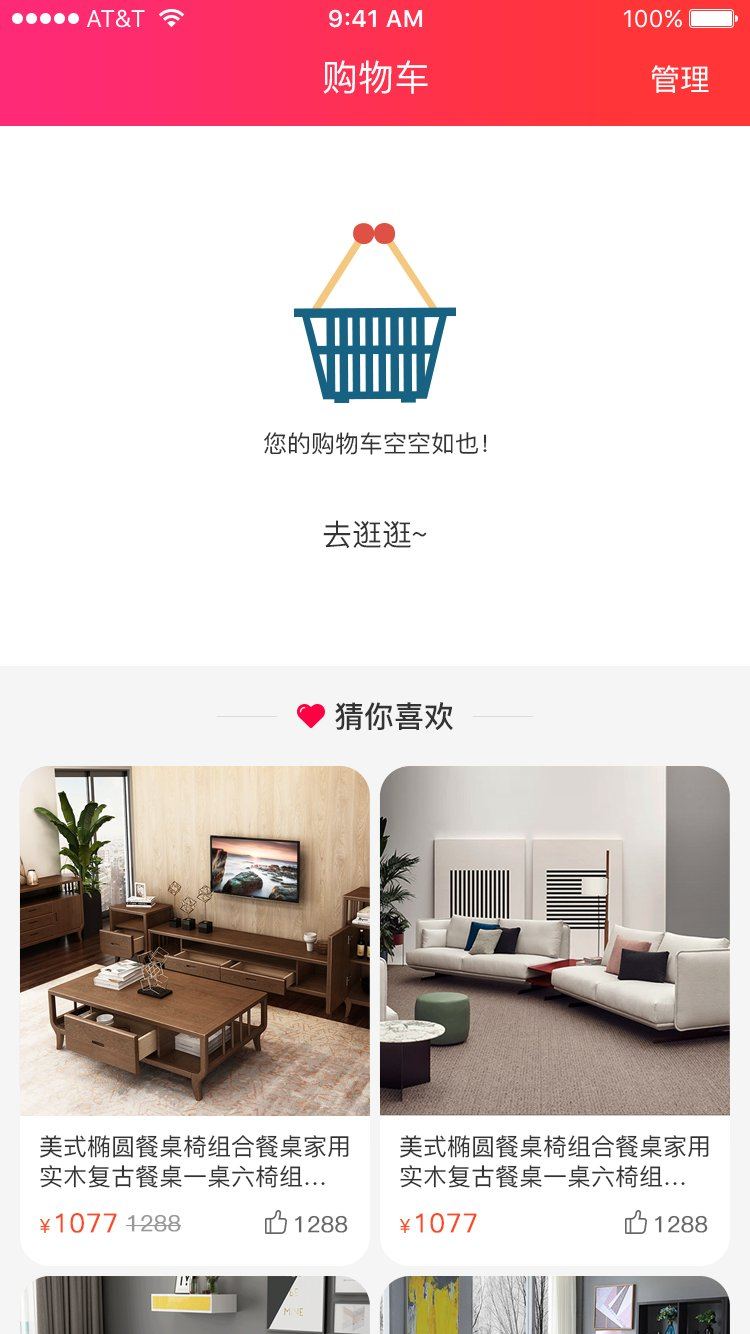
No network, no orders, an empty cart — three empty states in one voice: pink illustration, one diagnosis, one exit. Empty states are not absence of design; they are where attitude shows.

Offline empty state
Offline
No-orders empty state
No orders
Empty cart with recommendations
Empty cart

Street notes · three decisions

  1. 1One illustration style and one sentence pattern for all empty states: a diagnosis plus an exit, three images, one voice.
  2. 2Offline says "the network is down" and never pretends the data is empty — two kinds of empty stay apart.
  3. 3The empty cart carries "you may also like" — an empty screen is never wasted.
StreetCoversScreens
MK01 The FrontageOnboarding ×4, sign-in, home, categories, search28
MK02 The MarketMaterials market, shops, items, nearby, favourites52
MK03 The Parcel PostCheckout, coupons, payment, five order statuses, returns, reviews47
MK04 Behind the CounterThree onboarding tiers, shop admin, items, shop orders, payouts44
MK05 The Job FairPosting, job details, resumes, applications21
Service deskMessages, settings, empty and offline states12
TotalThree business lines on one account, inbox and wallet204

FAQ

Why present an app plan as a street map?

Nobody can read 204 screens end to end. Grouped into streets, each street answers one role's question: where shoppers browse, how money moves, where sellers run shops, where workers find jobs. Streets are a map of roles — easier to align clients and developers than any feature list.

Why are the mall, seller tools and recruiting one app?

Furniture purchases are infrequent but the chain is long: delivery follows purchase, repairs follow delivery, hiring follows growth. The three lines share one account, inbox and wallet, so neither shoppers nor sellers install three apps — and the platform's three funnels feed each other at lower operating cost.

Why does the materials market get its own colour?

Wholesale and retail run on two pricing systems. The orange header is the wholesale signpost: cross it and quoting rules change, so retail buyers do not wander into comparison and wholesale buyers do not quote the wrong list. One colour solves two audiences' confusion.

How does this plan reach production?

Skeleton first: list, detail, form and order templates cover every business line, and the five streets only fill in fields and copy. Payment, IM and recruiting ship as independent modules switched on as needed. Roughly sixty percent of the 204 screens reuse one skeleton; effort concentrates on the skeleton and three modules.

MORE CASES

More Related Cases

Engineering contracts · one contract, two tracks
EC AppSmart construction site, project management

Engineering contracts · one contract, two tracks

The hard part of engineering project management is not recording - it is reconciling: contract amoun...

View Details →
Multi-brand app · one screen, three brands
EC AppElectronic manual, digital exhibition hall

Multi-brand app · one screen, three brands

A furniture group with three brands — Huangchao Yijia, Luchaokang and Boyit — has showrooms full o...

View Details →
Distribution mall · turning shoppers into distributors
EC AppDistribution Mall

Distribution mall · turning shoppers into distributors

The hard part of a distribution mall is not extra product pages — it is giving everyone who has bou...

View Details →

View All Cases →

Planning a similar production line or enterprise system?

Start with our pricing logic, then let's talk requirements — cost structure, technology comparison and acceptance criteria, all laid out in the open.