
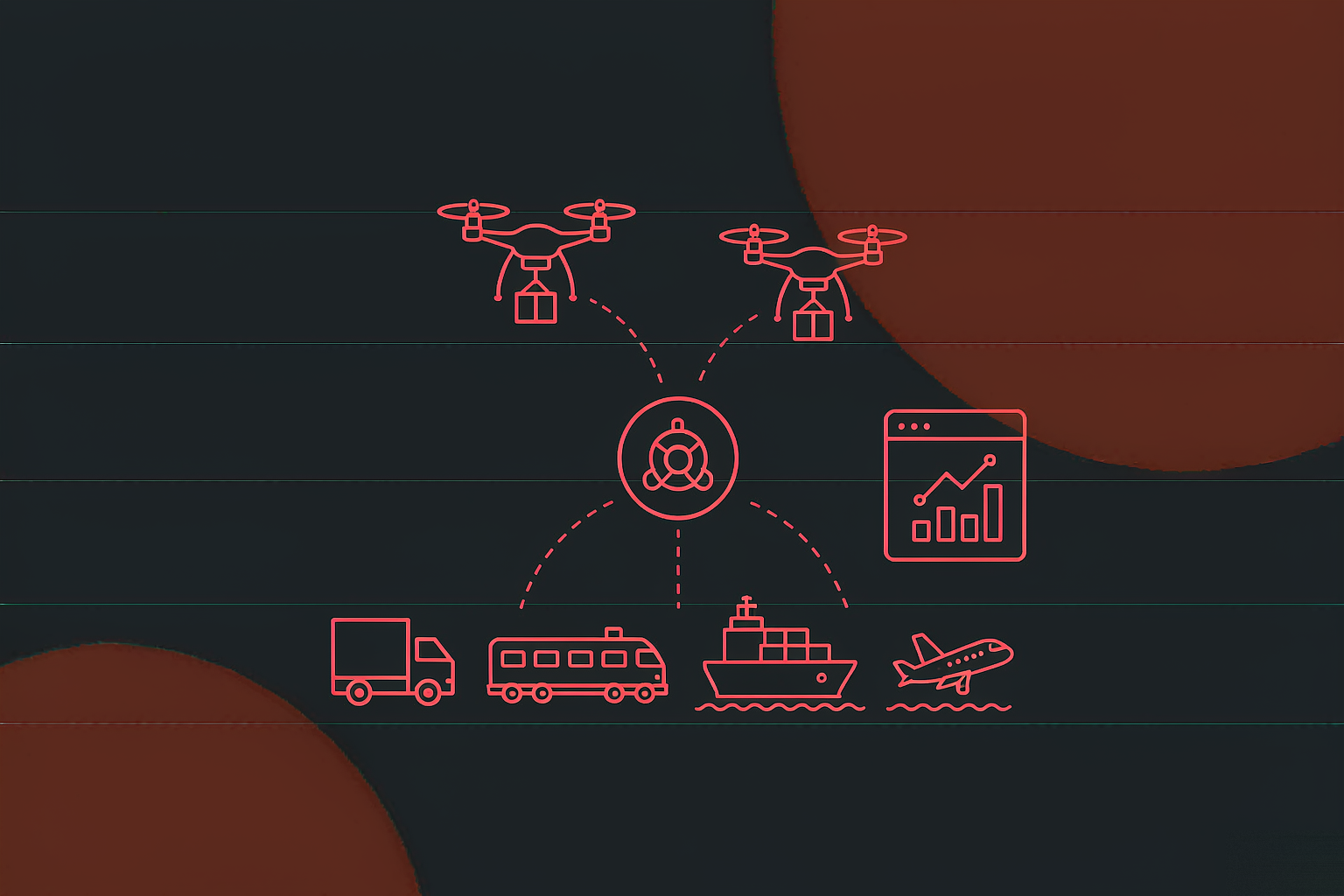
Low-altitude logistics multimodal management system
A low-altitude logistics multimodal management system for campus and community scenarios: an on-site...
View Details →Challenges
Drones, carts, PLC and cabinets each ship with their own control software. The hard part is not making any single device move — it is making them relay one order.
Drones had a flight console, carts a dispatch screen, cabinets their own panel, and the PLC only listened for signals. Delivering one order meant hopping between four interfaces, with nobody sure which step had actually happened.
During the tens of seconds a drone hovers to drop goods, a kiosk still running sales, ads or accepting touches is an accident waiting to happen. Safety cannot depend on a person watching — it needs a mechanism.
Why did the drone return early? Why did the cabinet not open? Why is the cart parked? Device payloads lived in four vendor consoles, so troubleshooting ran on memory. No raw messages, no operations.
One judgement shaped the architecture: the hard part of low-altitude logistics is not making a drone fly — it is making drone, cart, PLC and cabinet relay one order automatically, with every step traceable. So the unified dispatcher and order spine came first; the operation mutex and message logging came with them.
Modules
The back end owns dispatch and ledgers; the kiosk owns the on-site interaction. Both ends look at two halves of the same order: the back end watches commands and states, users scan to buy or collect.
| Module | What is inside | Who uses it |
|---|---|---|
| Control kiosk | Third-party live weather, cabinet operation stats, ads, scan-to-buy, quick pickup and support on one home screen; operation-mutex waiting screen; restocking and maintenance require a dedicated login, split between ordinary users and administrators | Visitors and on-site staff: buy, collect and restock on one terminal |
| Back-end home | Aggregated cabinet stats; simulated order entry tracked end to end; select a pending order and dispatch a simulated drone delivery; launch a remote pickup task that engages the AGV | Operations: one place to dispatch from |
| Drone management | Drone list (multi-condition filter, add, view, edit, simulated delivery, gateway registration, delete) + route management (route parameter entry and maintenance) | Maintenance: device registry and route planning in the back end |
| Parcel management | Parcel list (add / view / edit / delete) + shipment list (waybills, flight preparation) | Operations: parcel to waybill to flight prep, one line per order |
| Cabinet management | Cabinet list: parameter entry, viewing and editing | Maintenance: one registry of cabinets |
| Cart management | Cart list (vehicle parameters) + waypoint list (delivery points) | Maintenance: two ledgers, vehicles and waypoints |
| Message management | MQTT raw-data table: every two-way command and receipt, filterable | Maintenance and troubleshooting: the payload is the evidence |
| System management | Back-office accounts, departments, role permissions, global menu routes, password changes; reserved extension-protocol config and user data maintenance | Administrators: who sees and edits what is a config decision |
One design worth naming: simulated delivery is a shipped feature, not a debug switch. New routes and new cabinets run the full flow on simulation first — command, waiting screen, cabinet release, drop-off, return — and only then touch a real drone. On-site trial-and-error cost drops to zero.
Delivery Journey
From the flight command to the drone’s return, one delivery walks six steps. The point is that all six are dispatched by the control centre — nobody runs goods across the site, nobody switches screens.
New routes need validation and new cabinets need integration runs; real test flights cost money and carry risk. The system puts simulated delivery inside the drone list: pick an order, issue the command, and the whole flow runs without a real aircraft attached.
Integration work becomes a back-office job: whether the command format is right, when the waiting screen fires, whether the cabinet receipt returns — one simulated pass answers all three. Launch rhythm moves from “test-fly when nobody is around” to “simulate first, fly second”.
Each drone must join the system’s communication gateway before it can receive commands. Putting “register gateway” in the drone list’s action column means device registry and connection happen in one place: add the drone, enter parameters, register the gateway — and the device is in the system.
The registry and the link state live on the same list, so maintenance sees “which device, on which gateway, what was its last command” at a glance.
Pickup Journey
After a remote pickup starts, the control centre does two things at once: the PLC drops the goods and opens the cabinet, and the cart carries them to the delivery address. Both branches report back; nothing needs a person.
A cart that stops where it finished its last delivery has to be fetched by a dispatcher. With return reporting, the system puts it back into the waiting zone and marks it available.
The dispatch console loses a job: nobody needs to know where each cart is, only how many carts the waiting zone holds. Device status and dispatch capacity are the same dataset.
The cabinet release and the cart run do not depend on each other: the cart can be on its way while the goods come out. In series, pickup time doubles and the user waits longer at the kiosk.
Parallelism only works because each branch owns a receipt: the PLC’s drop-off receipt and the cart’s return report both land back at the centre, and the order state closes. The hard part of concurrency is not running in parallel — it is collecting the receipts.
Traceability
The back office is organised by device and business, ten pages in all. The MQTT raw-data table in message management is the operations foundation: every command sent and every receipt returned has one row.
Four device types speak different payloads at different rates; scattered across modules, a timeline has to be stitched from four screens. The MQTT raw-data table gathers them into one grid: filter by time, device or topic, one row per message.
During integration it is the debugger: if a command does not take effect, first check whether it was sent and what the device answered. In operation it is the black box: any “cabinet did not open” has a raw record to replay.
Weather and vending cabinets are third-party services integrated from day one; the extension protocols reserve interfaces without implementing them — the client explicitly planned later expansion with the business shape still open.
The cost of reserving interfaces is paid at design time: abstracting “third-party service access” into a protocol layer means every future service is a configuration job, not a rebuild. In a hardware-integrated system that is the most valuable architectural decision on the list.
Deliverables & Results
The most direct change: four consoles became one. A delivery is dispatched from a single control centre, and drone, PLC and cart relay by order state — nobody hops between four vendor screens to pass a message.
The second change is safety: the operation mutex and waiting screen remove “kiosk touched while a drone hovers” from the process altogether — safety runs on mechanism, not on staff attention.
The third change is operations: every device message is logged, so any anomaly has a record to replay; with simulated delivery, new-device integration moved from on-site test flights to back-office rehearsal. As agreed, this page shows no client name and no production screenshots, and third-party hardware brands are not disclosed.
Building low-altitude logistics, unmanned delivery or campus multimodal transport? The hard part is rarely one device’s integration — it is the unified order state machine, the operation-mutex safety mechanism, and device message logging. We have ground through all three on this system; bring your device list and we will tell you which linkage is your bottleneck.
MORE CASES
A low-altitude logistics multimodal management system for campus and community scenarios: an on-site...
View Details →
A fire-safety management platform for property managers and district fire supervision: admin console...
View Details →Start with our pricing logic, then let's talk requirements — cost structure, technology comparison and acceptance criteria, all laid out in the open.